Identify the installed equipment
Record the manufacturer, model, serial number and any drawing reference. Keep the original equipment identity even when another supplier is asked to review a replacement.
Practical selection and project-planning information. Final equipment details require project confirmation.
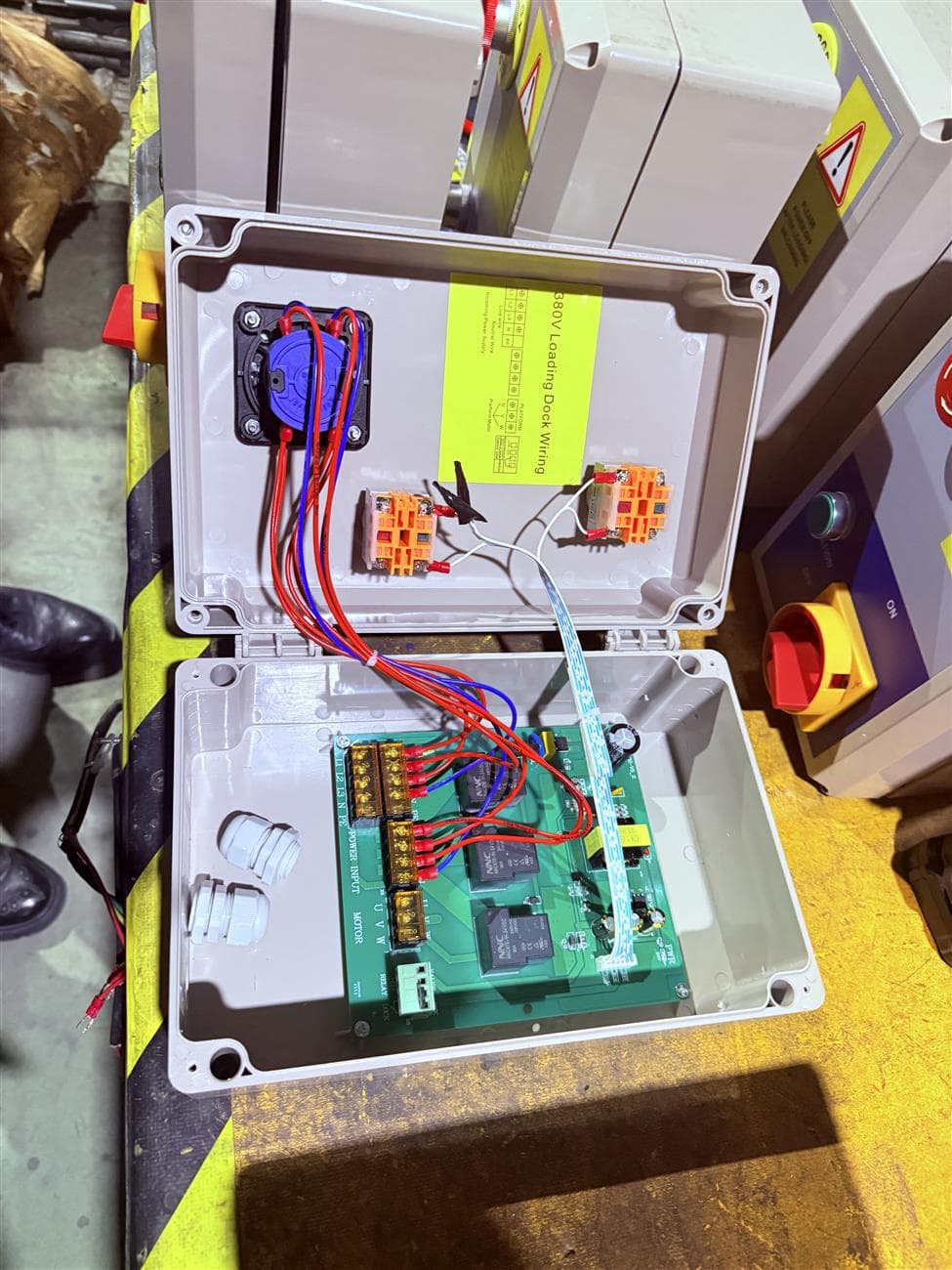
A component is worn and you need a replacement, but its part number is missing. Start with the equipment identity and the connection points. A clear set of photographs can make the first discussion more focused without pretending that appearance proves compatibility.
Start a dock spare parts enquiry with the equipment nameplate, a view of the complete assembly and close-up photos of the component. Include known dimensions and the required quantity. Appearance alone cannot confirm compatibility.
Record the manufacturer, model, serial number and any drawing reference. Keep the original equipment identity even when another supplier is asked to review a replacement.
Provide a whole-equipment photo and a close-up showing mounting points, connectors or adjoining components. Add a scale or dimensioned drawing where it can be obtained safely. Do not enter a pit or reach beneath moving equipment to take a photograph.
Describe visible wear or the reported symptom and when it occurs. A description supports identification, but does not establish the cause of a fault. Inspection and repairs should follow the equipment instructions and be performed by qualified personnel.
Ask for the proposed part identification, dimensions, interfaces and any limits of supply in writing. Keep these records with the installed equipment documentation. Availability and compatibility require confirmation for each request.
| Compare / record | Information to review | Decision or confirmation |
|---|---|---|
| Nameplate | Manufacturer, model and serial number | Keep the original identity visible. |
| Whole equipment | Overall view and component location | Show which assembly the part belongs to. |
| Interface close-up | Mounting holes, connectors and adjoining parts | Do not rely on a front view alone. |
| Measurements | Known dimensions and units | State which dimensions still need checking. |
| Request | Quantity and observed issue | Describe the symptom without assuming a diagnosis. |
For hydraulic and electrical components, component identification and applicable circuit information matter as well as appearance. Do not disassemble equipment just to obtain a photograph. Arrange any intrusive inspection through qualified personnel following the equipment instructions.
Catalogue basis: JBL Dock Loading Dock Equipment Catalogue V1.2, review edition, pages 25–27. Unresolved source entries are not approved specifications.
A photo can start identification, but dimensions, interfaces and equipment records may still be required before compatibility is confirmed.
Share your question, site photos or equipment details. Mark anything you have not yet measured — you can begin without a complete specification.
Discuss your requirements →Source basis: JBL Dock Catalogue V1.2 review edition and the website planning framework. Product selection, installation and maintenance must follow the applicable equipment documents and project review. This guide does not establish certified performance or final dimensions.
← Browse all guides